
How to use ChatGPT Pro with Codex and Claude Code in PandaNpc
Use ChatGPT Pro with Codex and Claude Code in PandaNpc: send a question to your signed-in ChatGPT browser and read its answer back in the original conversation.
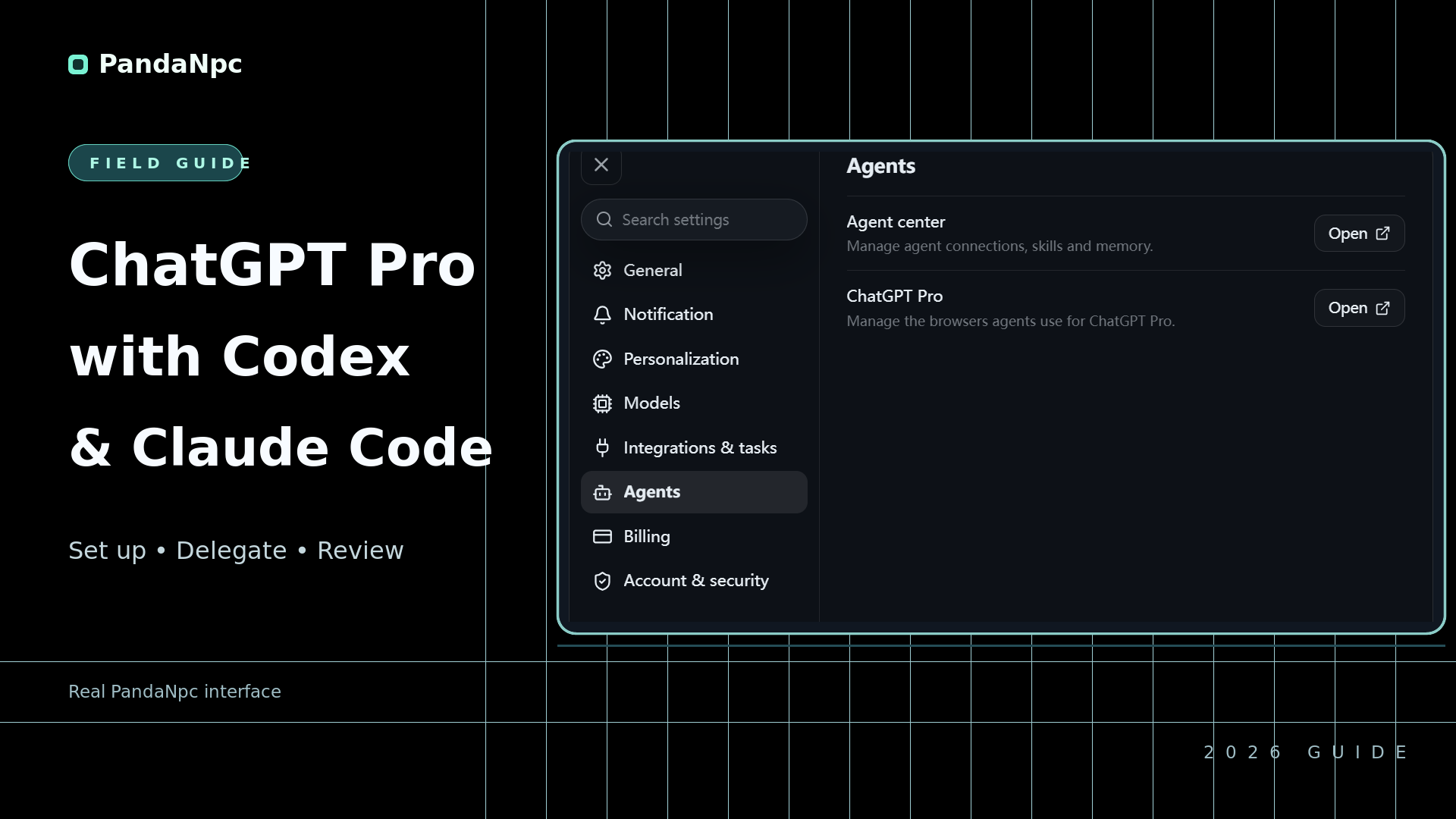
PandaNpc is the provider of the feature described in this article. The setup screenshots come from the real English product interface; dispatch, run status, and parent-session results use clearly labeled Demo data.
View full-size PNG (1920×1080)

In a PandaNpc Codex or Claude Code conversation, you can directly ask it to hand a question to ChatGPT Pro. After ChatGPT answers, the result returns to the original conversation, you can then have Codex or Claude Code continue handling. The following walks through “what to prepare, where open it, what to say, and where to look.”
What to Prepare Before Starting
First prepare PandaNpc, PandaPaw and a Chrome browser with the PandaNpc extension installed. PandaPaw and the browser extension must sign in to the same PandaNpc account. Then open chatgpt.com in this browser and confirm that you are logged in to the ChatGPT account you want to use.
If you have multiple browsers, you can choose one as the default browser in Settings. The ChatGPT Pro page does not provide an option to select an existing ChatGPT conversation; first log in to ChatGPT in the browser you want to use. Usage will consume your own ChatGPT account quota, so pay attention to the page's prompts about automated operation.
Where to Open It
- Open PandaNpc's Settings and find ChatGPT Pro.
- First install the PandaNpc extension in Chrome, and have it log in to the same PandaNpc account as PandaPaw. Return to the ChatGPT Pro settings page and confirm that the page shows PandaPaw and the extension online; when an enable prompt appears, choose to accept and enable.
- If you have connected multiple browsers, you can select a default browser on the settings page; if there is no browser you need to pin, you can also leave the default unset. Then open the Codex or Claude Code conversation you are using.
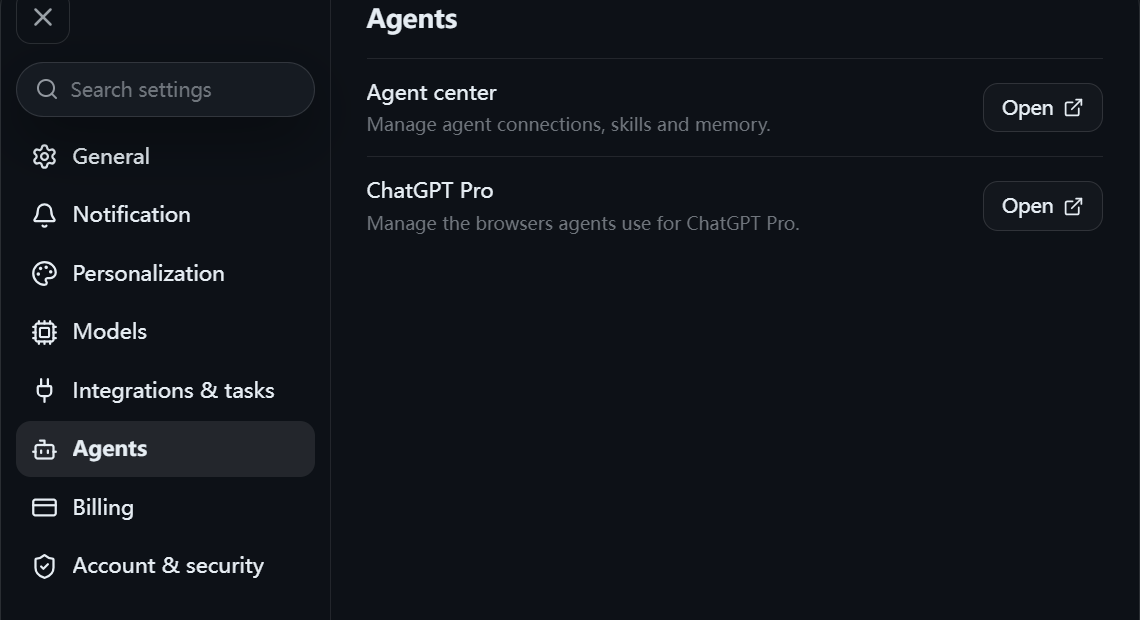
Step 1: Open Settings → Agents → ChatGPT Pro in PandaNpc. Real English product interface, with irrelevant areas cropped.
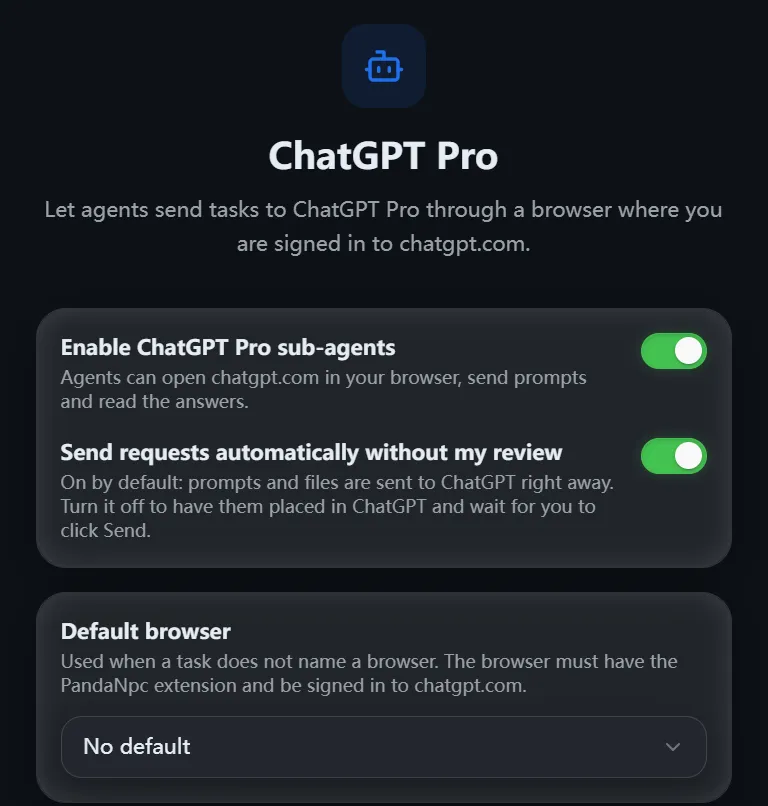
The ChatGPT Pro settings page shows enabled, and auto-send is on for the current account. The image shows a current state and does not represent the default value or the process of operating the enable button.
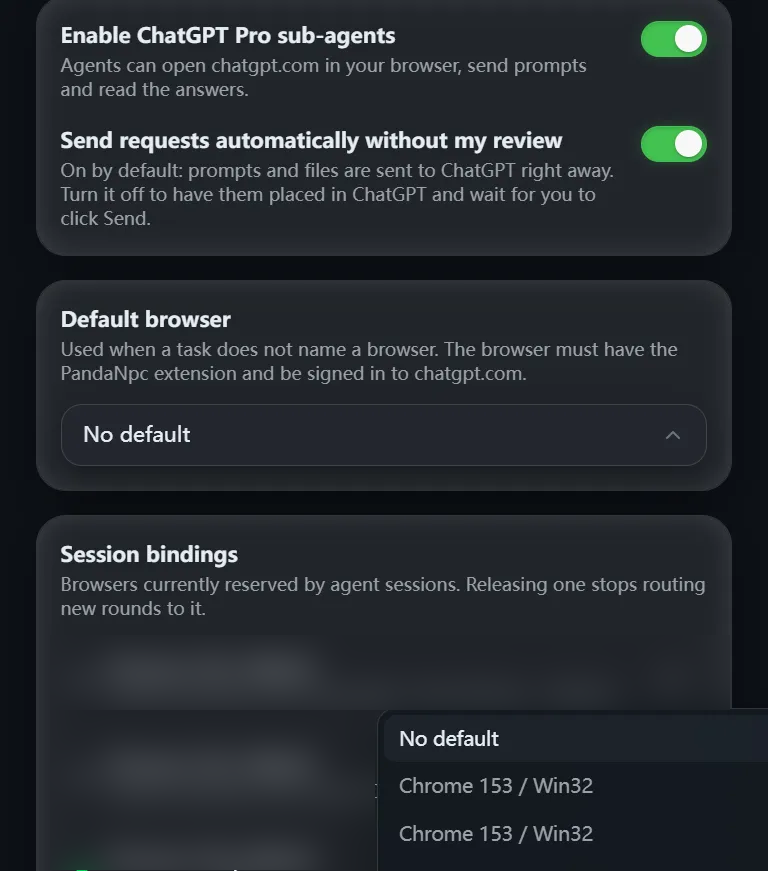
Default browser dropdown showing the available options; it is only expanded for viewing, and no new default browser was selected or saved. The history conversation area has been redacted for privacy.
The settings page also provides an “Auto-send” toggle. When enabled, the question is sent directly; when disabled, the question is first filled into the ChatGPT web page, and you need to go to the web page and click “Send”. Please refer to your own page state.
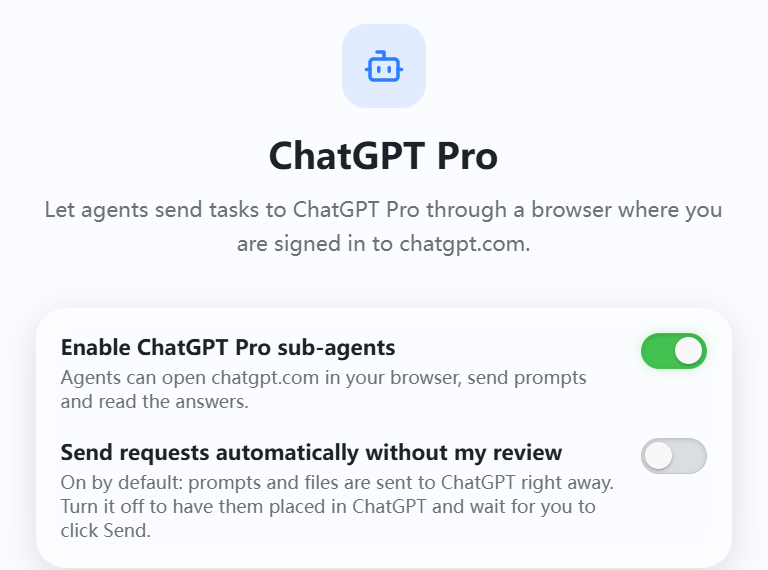
Current state of the test environment: auto-send is off, and the page indicates that the user needs to go to ChatGPT and click Send. There is no online browser with the extension shown in the image, so this cannot be taken as proof that it is connected.
How to Ask It for Help: Copy This Sentence Directly
Send this in the Codex or Claude Code chat box:
Please hand the plan I just gave to ChatGPT Pro and ask it what omissions or risks there are. Send over the content it needs to know as well. After receiving the answer, report back to me first and do not modify files; wait for my confirmation before continuing.
If you want it to review a certain set of changes, you can change it to:
Please ask ChatGPT Pro to look at the key points and possible problems of this change. Send the relevant content to it, and after receiving the answer, report back here first and do not modify files; wait for my confirmation before continuing.
In one sentence, it is enough to state clearly whom to hand it to, what to ask, and what to do after the reply. The more specific the question, the easier the answer is to use. For example, “What are the costs of each of these two approaches?” is more appropriate than “Help me look at the entire project.”
ChatGPT can only answer based on the content it receives. If it needs more context, have Codex or Claude Code supplement it before asking again. When actual modification or result checking is needed, the original Codex or Claude Code conversation still continues to handle it.
Demo data: The English task card below shows how the parent session hands the question to ChatGPT Pro. It comes from a browser-memory demonstration of real product components and was not actually sent.

Demo data: an English dispatch card in the parent session showing the task handed to ChatGPT Pro. It is a browser-memory demonstration of real product components and was not actually sent to ChatGPT.
Where to See the Results
ChatGPT's answer returns to the Codex or Claude Code conversation that just made the request. You do not need to open another window to copy the answer. First look at what suggestions it gave, then decide whether to have the original agent continue explaining, modifying, or checking the result.
If there is no reply for the time being, first confirm that the browser is still running, ChatGPT is still logged in, and PandaPaw and the browser extension are still using the same PandaNpc account. After one browser handles two tasks at the same time, later tasks will queue; while waiting, do not repeatedly send the same question.
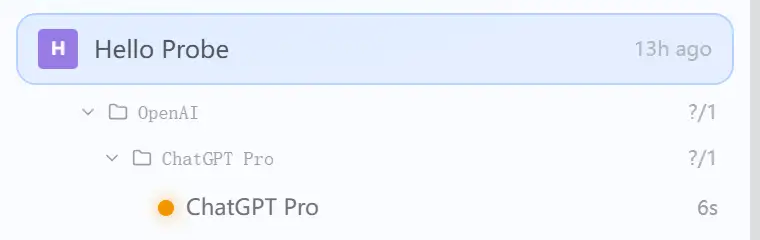
Demo data: the PandaNpc sub-agent sidebar shows ChatGPT Pro is running. This is only a status display from a browser-memory demonstration, not proof that an answer was received.

Demo data: an example English reply in the parent session, so you can see where the result will appear. The example text is not a real ChatGPT return and cannot prove that end-to-end operation has run.
About the images: The dispatch, run status, and result images are Demo data of the product interface, used to illustrate where you will see tasks and answers; they do not mean that this time it was sent online or that a real return flow was completed. This article does not yet have a screenshot of the ChatGPT web page actually receiving a question, nor has it performed online end-to-end return-flow verification. Please verify in your own connection with a question that contains no sensitive information.
FAQ
Can ChatGPT open my entire project by itself?
No. It answers based on the content sent by Codex or Claude Code. If you want it to consider certain materials, state that clearly when dispatching the task, and have the original agent provide them as well.
Will ChatGPT's suggestions automatically become code changes?
At this step, ChatGPT only answers based on the content received and will not modify project files by itself. The original Codex or Claude Code may still continue operating according to the task you gave it; if you want to see suggestions first and then decide whether to modify, clearly say when dispatching: “After receiving the answer, report back first and do not modify files.”
Does this turn a ChatGPT Pro subscription into a Claude Code subscription?
No. This uses the ChatGPT web page you are already logged in to, and has it answer a dispatched task in the current conversation.
Related guides

Codex vs Claude Code: Which Should You Use? (2026)
Codex vs Claude Code: choose Claude for terminal depth and hooks, Codex for ChatGPT/cloud work, and PandaNpc to control both across devices.
Read article →
Let Claude Directly Operate Your Browser: Fill Forms, Post Content, Even Drag Slider Captchas
Most people still use AI at the level of "you ask, it answers." PandaNpc's Chrome plugin lets your Claude Code actually reach into the browser, clicking, filling, and turning pages for you — even dragging slider CAPTCHAs for you. By injecting real inputs with isTrusted=true at the kernel layer via the Chrome DevTools Protocol, plus backend-calculated human-like drag trajectories, it bypasses anti-scraping and enters cross-origin iframes. 43 operation tools, equipped with a complete set of approval cards + domain blacklist + pause switch + safety gate for operation traces.
Read article →
Use Codex on Your Phone: ChatGPT Remote vs CLI (2026)
Use ChatGPT Remote to control supported Mac/Windows Codex chats from iPhone or Android; use PandaNpc for Codex CLI, Linux, and headless hosts.
Read article →