
Use a Custom Model Backend with Claude Code (DeepSeek / 3rd-party API) + Remote Access
How to set up a custom model in Claude Code: run it on a cheaper backend like DeepSeek to save money, then use pandapaw to reach your dev machine and control it remotely.
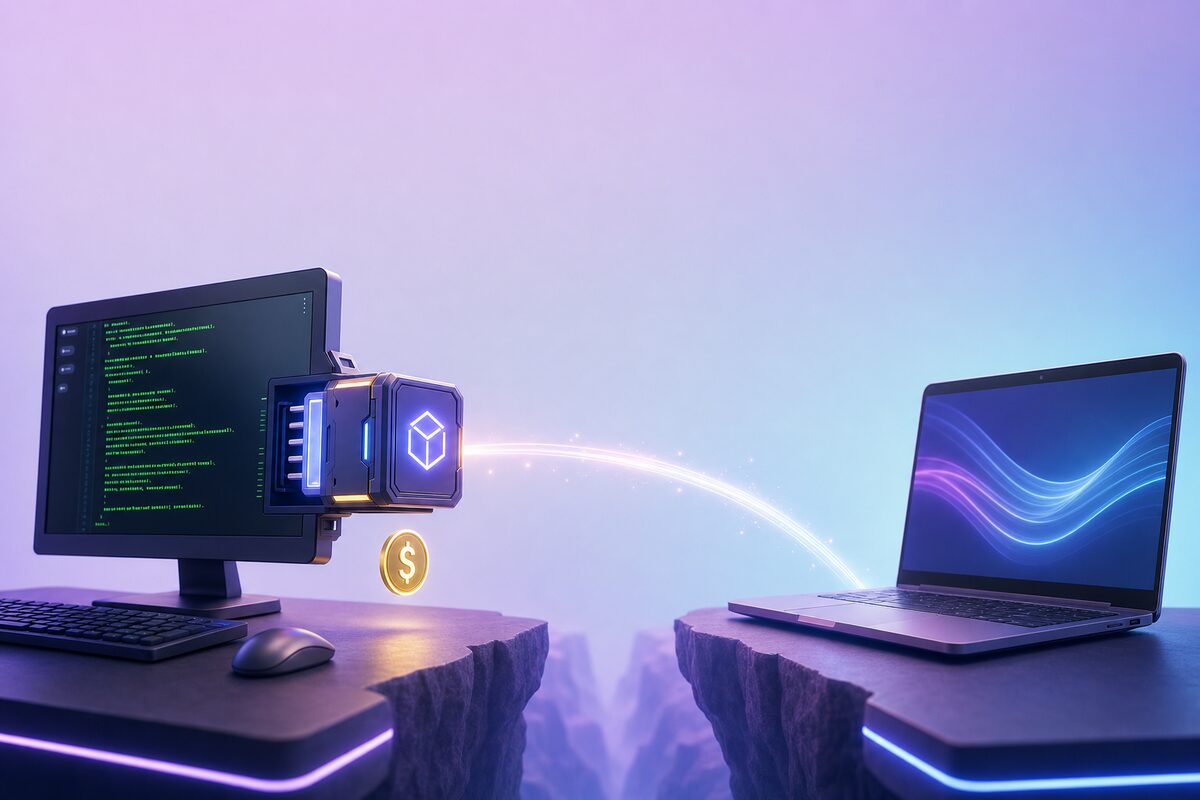
Claude Code is great, but many people are stuck on two things: the official model is expensive, and you can only use it while sitting at your computer.
These two problems can be solved together:
- Use
ANTHROPIC_BASE_URLto connect Claude Code to a cheap custom model backend (such as DeepSeek), saving a lot of money; - Use pandapaw to expose the Claude Code on this development machine, allowing you to remotely connect from another computer or browser to control it.
Once set up: the development machine runs Claude Code with a cheap model, and you can remotely monitor it working from anywhere. Here's the step-by-step guide.
Why This Setup
- Save money: Custom backends (DeepSeek, etc.) are much cheaper than the official model; and Anthropic's billing changes after June 15 won't affect you—you're not using Anthropic's model at all.
- Use anywhere: The development machine does the running, and you remotely control it from another computer (desktop app) or any browser (web app).
- Data on your own machine: All tool calls by Claude Code (Bash/Edit/write files, etc.) are executed on your own development machine, and the model key is only stored on your development machine.
Step 1: Set Up Your Custom Claude Code
The core is to make Claude Code use three environment variables pointing to your backend. Take DeepSeek as an example (other providers compatible with Anthropic's API are similar; just replace with their base URL):
export ANTHROPIC_BASE_URL=https://api.deepseek.com/anthropic
export ANTHROPIC_AUTH_TOKEN=你的_DeepSeek_API_Key
export ANTHROPIC_MODEL=deepseek-chat
export ANTHROPIC_SMALL_FAST_MODEL=deepseek-chat
⚠️ You must use a model that supports tool calls. DeepSeek uses
deepseek-chat(V3), do not usedeepseek-reasoner(R1)—it does not support tool calls, so Claude Code's Bash/Edit won't work.
First, run claude in the terminal, ask a question, have it execute a command. If it responds normally and can use tools, the backend is connected.
Make Remote Also Use This Backend (Key)
The export above only takes effect in your current terminal. But pandapaw is a persistent background process, and the claude it launches may not inherit your shell's environment variables. The most reliable approach is to write the configuration into the env field of ~/.claude/settings.json—this way, any Claude Code invocation (including those started remotely by pandapaw) will include it:
{
  "env": {
    "ANTHROPIC_BASE_URL": "https://api.deepseek.com/anthropic",
    "ANTHROPIC_AUTH_TOKEN": "你的_DeepSeek_API_Key",
    "ANTHROPIC_MODEL": "deepseek-chat",
    "ANTHROPIC_SMALL_FAST_MODEL": "deepseek-chat"
  }
}
This way, no matter how you start Claude Code, it will use your custom backend.
Step 2: Install pandapaw on the Development Machine
pandapaw is PandaNpc's unified bridging CLI. Install it on the development machine where you usually run Claude Code to expose Claude Code for remote access.
macOS / Linux:
curl -fsSL https://cos.pandanpc.com/pandapaw/install.sh | shWindows (PowerShell):
iwr -useb https://cos.pandanpc.com/pandapaw/install.ps1 | iexAfter installation, it will automatically: copy the binary → start the daemon → register for auto-start on boot. The development machine will then be on standby after startup. Because the backend configuration is in ~/.claude/settings.json, the Claude Code run remotely by pandapaw will use your cheap backend.
Step 3: Remotely Connect from Another Computer
Open the PandaNpc desktop app on another computer, or directly access https://pandanpc.com/agent in a browser. Use the connection information generated by pandapaw on the development machine to add a connection to that machine.
After that, you can remotely control the Claude Code on the development machine from the desktop/web app: view sessions, approve tool calls, see what code has changed, send new commands—everything runs on your development machine with the cheap backend.
Is It Secure?
- Remote connections are fully authenticated with HMAC-SHA256 signatures, using your own key pair, not public ports.
- All tool calls by Claude Code are executed on your own development machine, and permissions require your remote approval.
- Your model API Key is only stored in
~/.claude/settings.jsonon your development machine, and does not pass through any intermediary servers.
Summary
| What it solves | |
|---|---|
Custom backend (ANTHROPIC_BASE_URL) |
Save money, use cheap model, unaffected by Anthropic billing changes |
Write into ~/.claude/settings.json |
Let resident pandapaw also use your backend |
| pandapaw + desktop/web | Remotely control Claude Code on dev machine anytime, anywhere |
In a word: cheap custom Claude Code runs on the dev machine, you can use it remotely from anywhere.
Download the desktop app from the official site (Windows / macOS / Linux) or use the web app directly: https://pandanpc.com. Install pandapaw, configure the backend, and you'll be up and running in minutes.
Related guides

How to Use Claude Code Remote Control from Your Phone (2026)
Use Claude Code Remote Control from your phone or browser. Learn the three official commands, setup limits, troubleshooting, and when PandaNpc fits.
Read article →
pandacode: Run Claude Code Experience on Any Model
pandacode is an open-source coding agent engine built into pandapaw, compatible with the full Claude Code experience, but the model backend is up to you — DeepSeek, Qwen, vLLM/Ollama, and company intranet proxies can all be connected, and it supports both OpenAI and Anthropic API formats. Install with one command, and remotely control it from your phone, browser, or desktop as usual.
Read article →
Let Claude Directly Operate Your Browser: Fill Forms, Post Content, Even Drag Slider Captchas
Most people still use AI at the level of "you ask, it answers." PandaNpc's Chrome plugin lets your Claude Code actually reach into the browser, clicking, filling, and turning pages for you — even dragging slider CAPTCHAs for you. By injecting real inputs with isTrusted=true at the kernel layer via the Chrome DevTools Protocol, plus backend-calculated human-like drag trajectories, it bypasses anti-scraping and enters cross-origin iframes. 43 operation tools, equipped with a complete set of approval cards + domain blacklist + pause switch + safety gate for operation traces.
Read article →